
Organizational and Emotional Connection For Couples
Two Spaces.
One Shared Life.
PairSpace is designed to help couples stay organized and emotionally connected. Planning, emotions, memories, and day-to-day routines stay in one clear system.
Private
Modular
Built for daily use
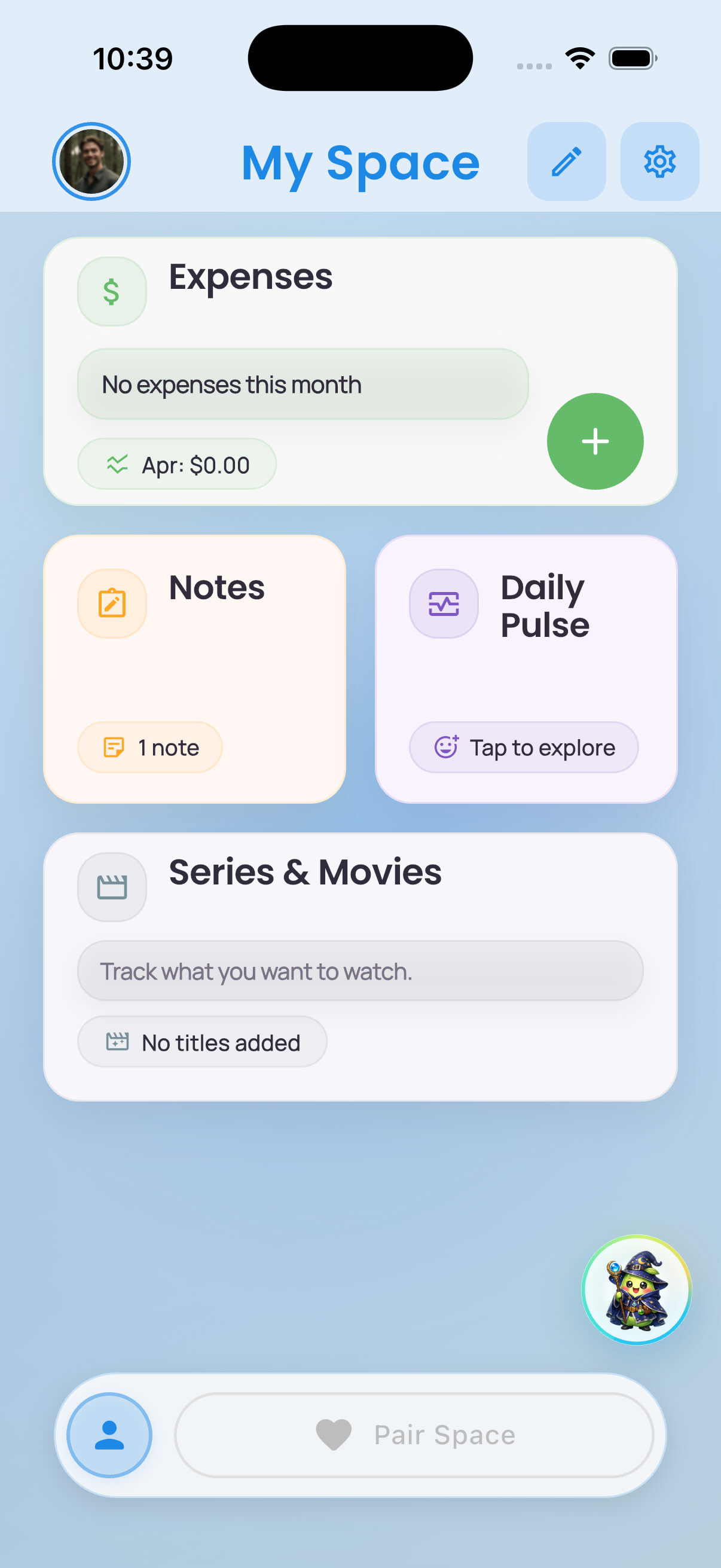
- Start with My Space - your personal space.
- Add modules useful to you.
- Keep planning, reflection, and small rituals in one easy place.
Available now on iPhone and Android.
The Idea
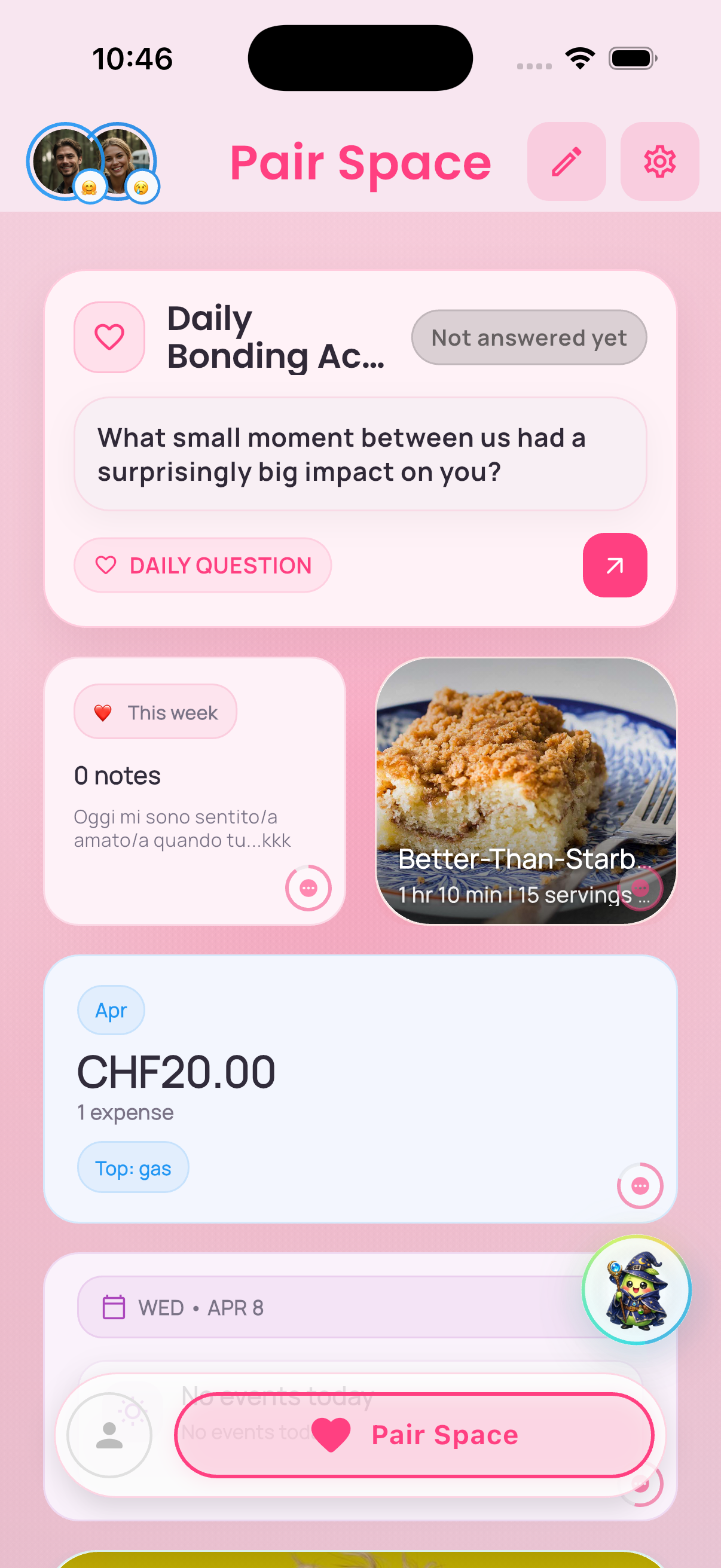
Two clear layers keep the app simple and useful: one for you, and one for the two of you.
Pair Space
What Lives Inside
Modules for each purpose.
Practical
Shared logistics
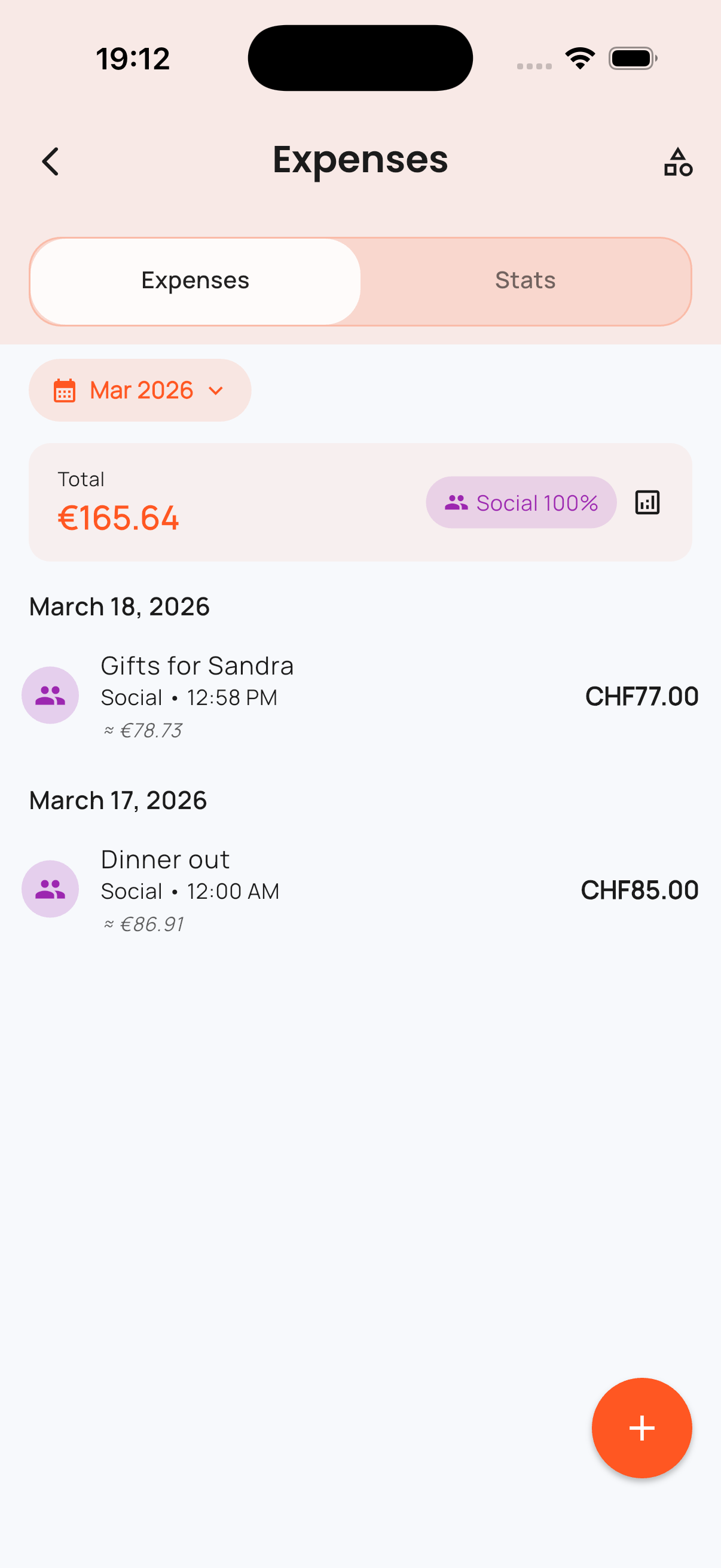
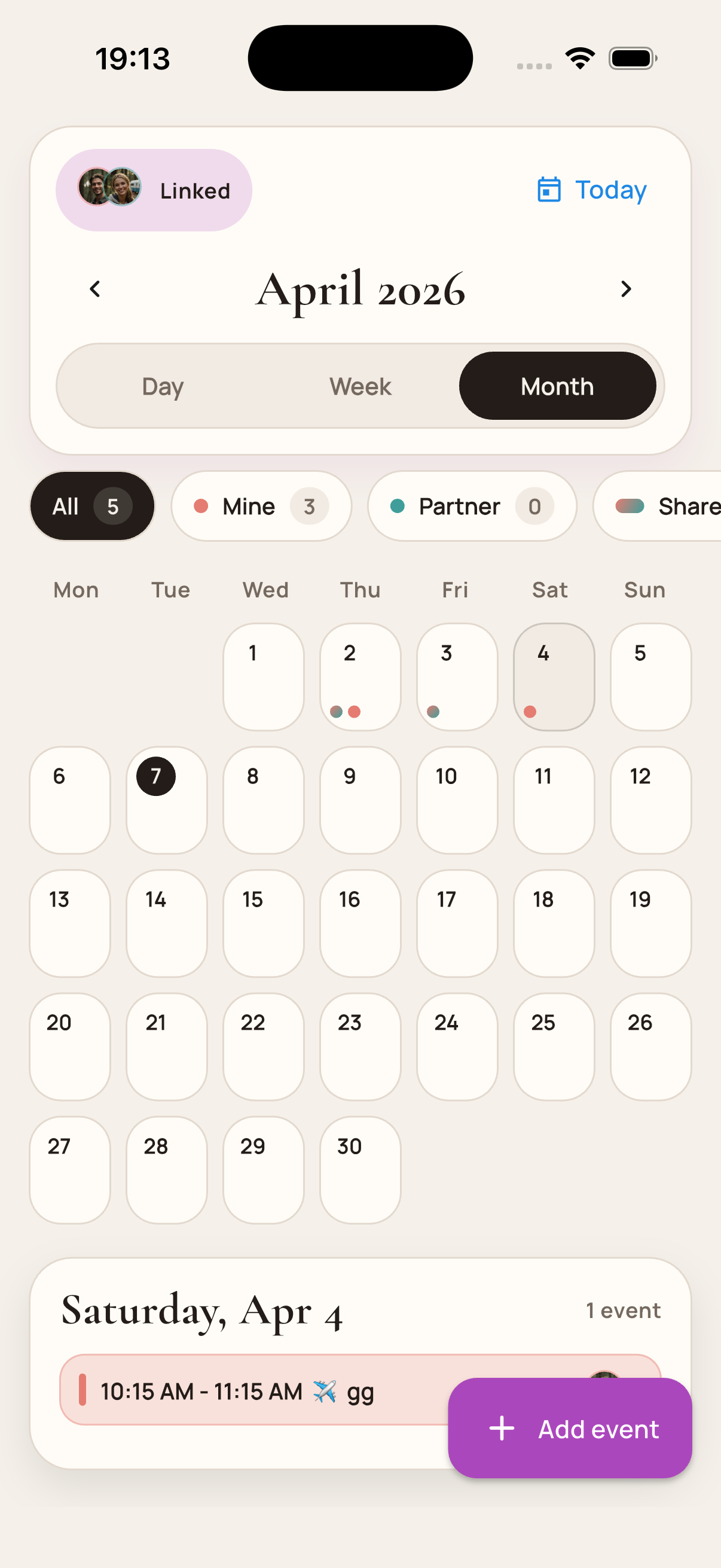
Track shared expenses, see upcoming plans, and keep goals visible without bouncing between three different tools.
- Expenses
- Calendar
- Goals
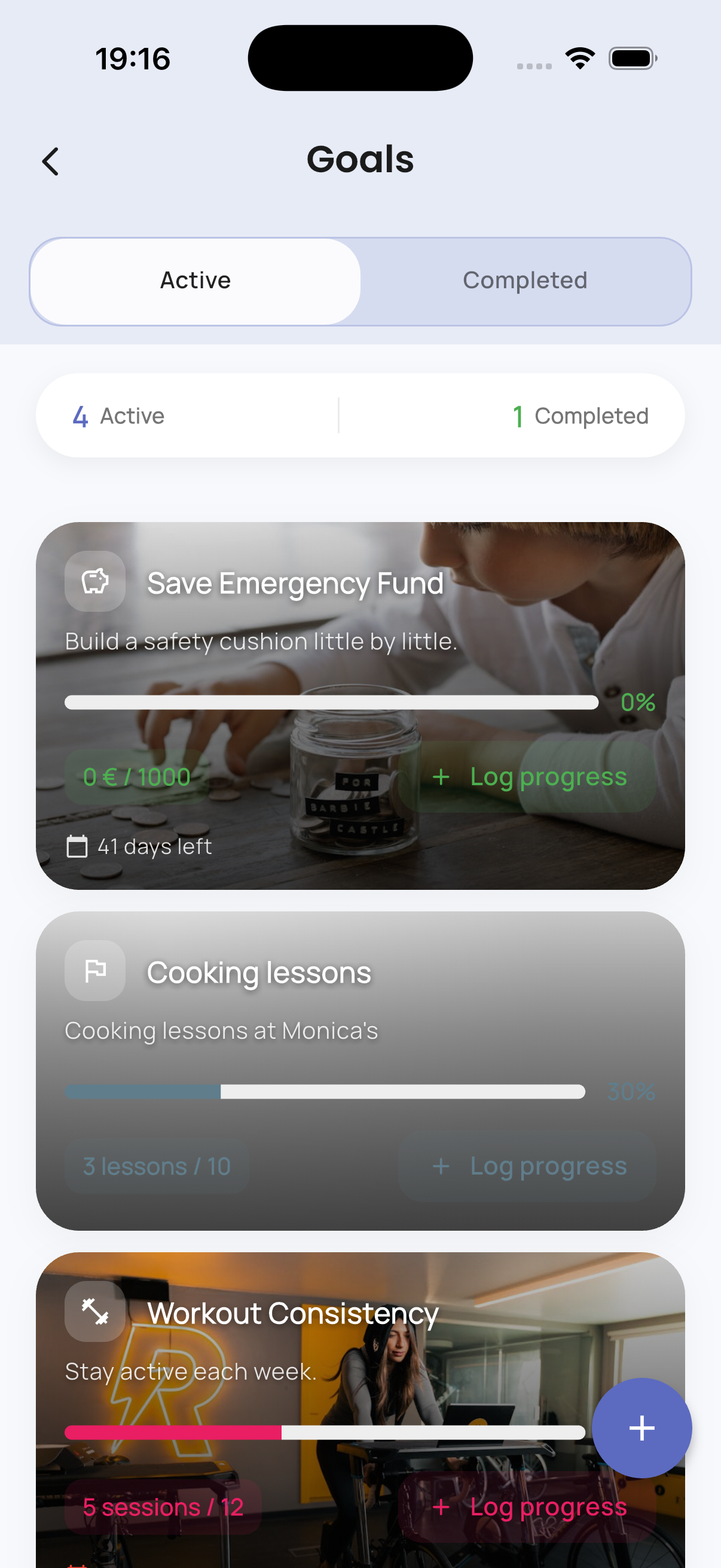
Connection
Daily emotional routines
Make room for check-ins, moods, and memories so connection is supported by the same system as planning.
- Daily Bonding
- Mood Tracker
- Moments
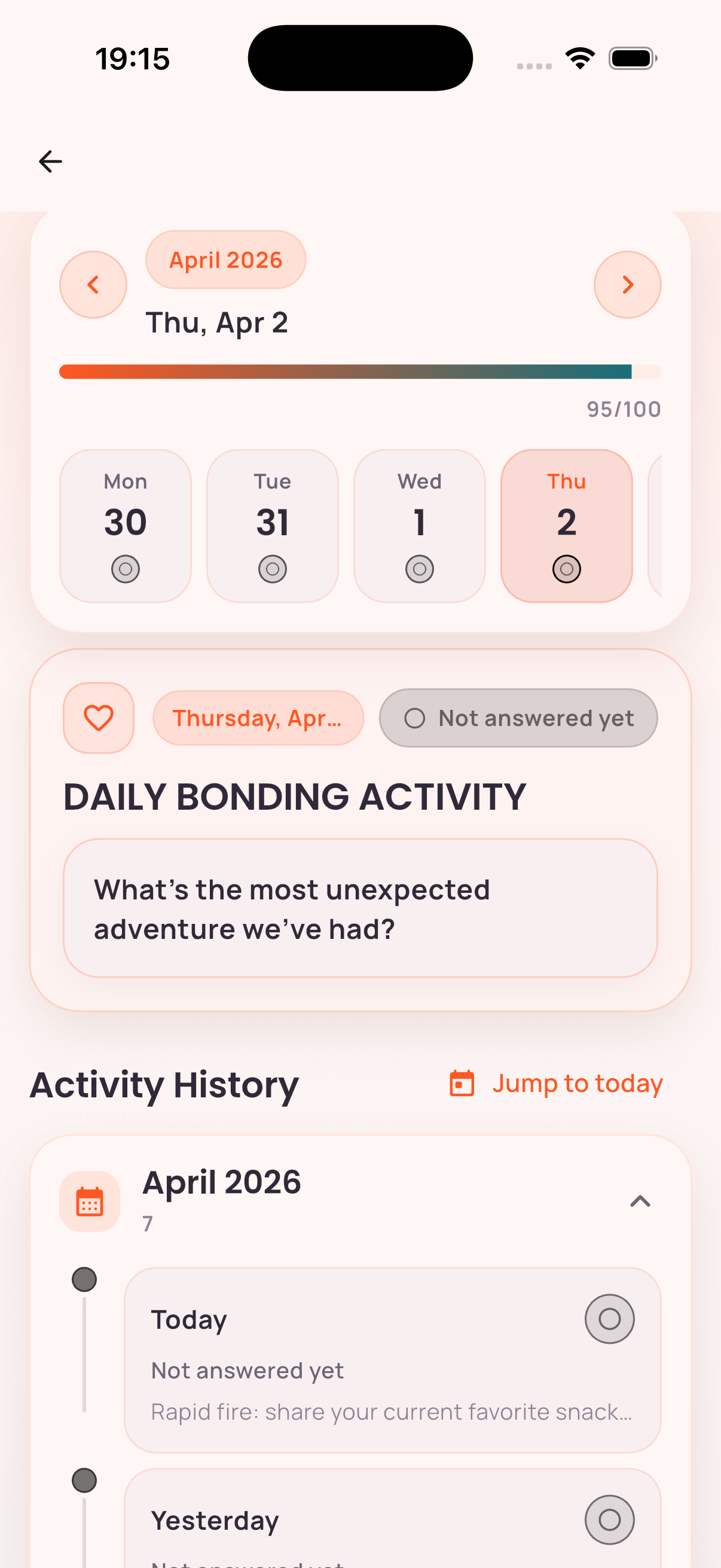
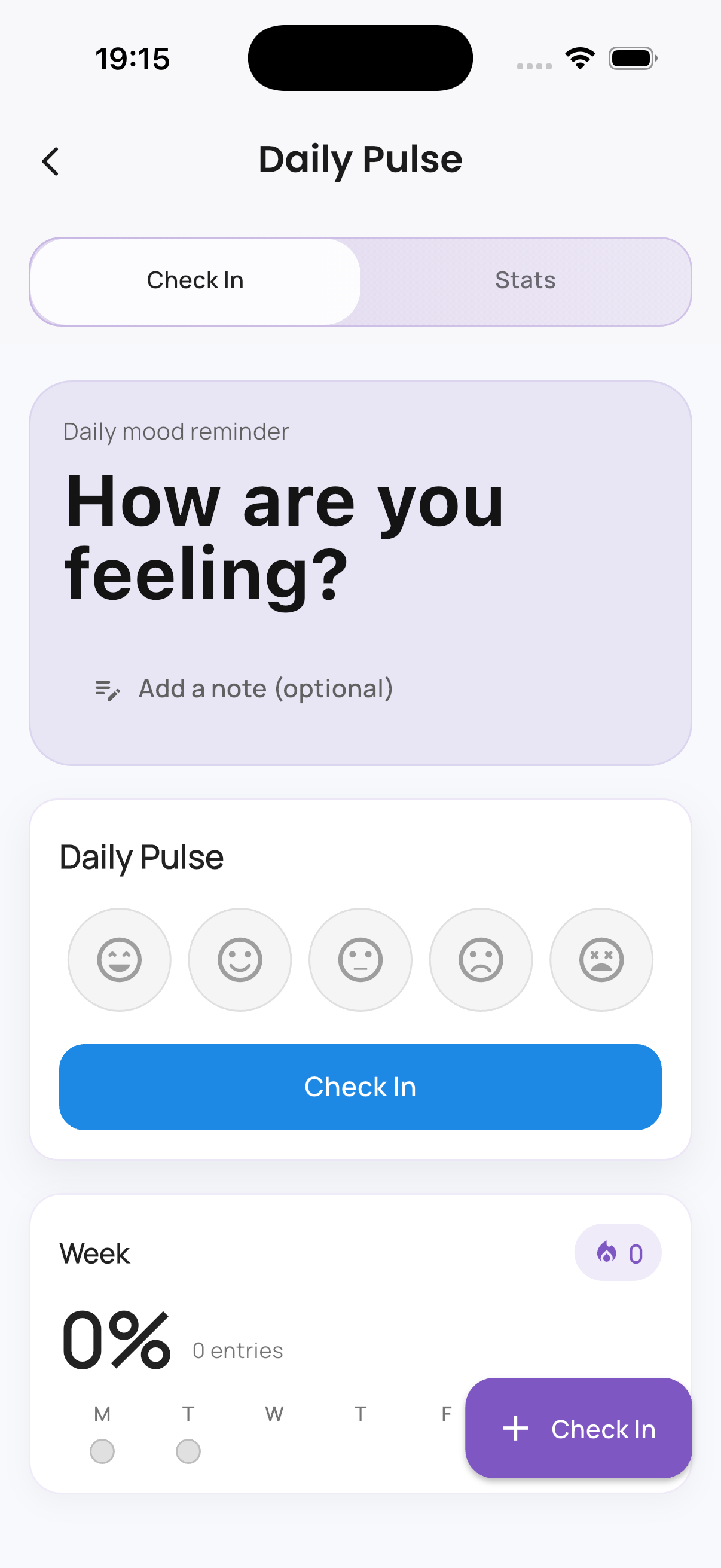
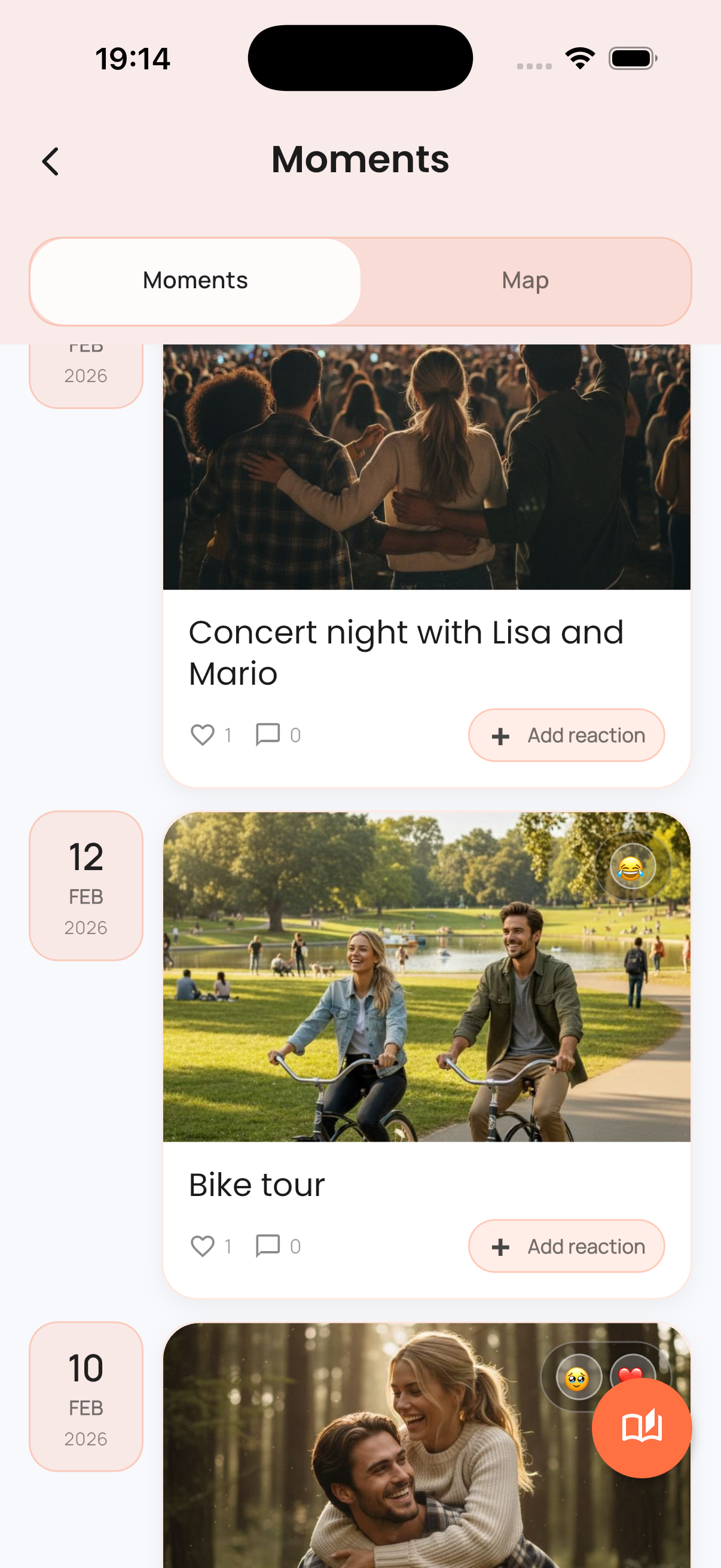
Rituals
Shared tastes and small rituals
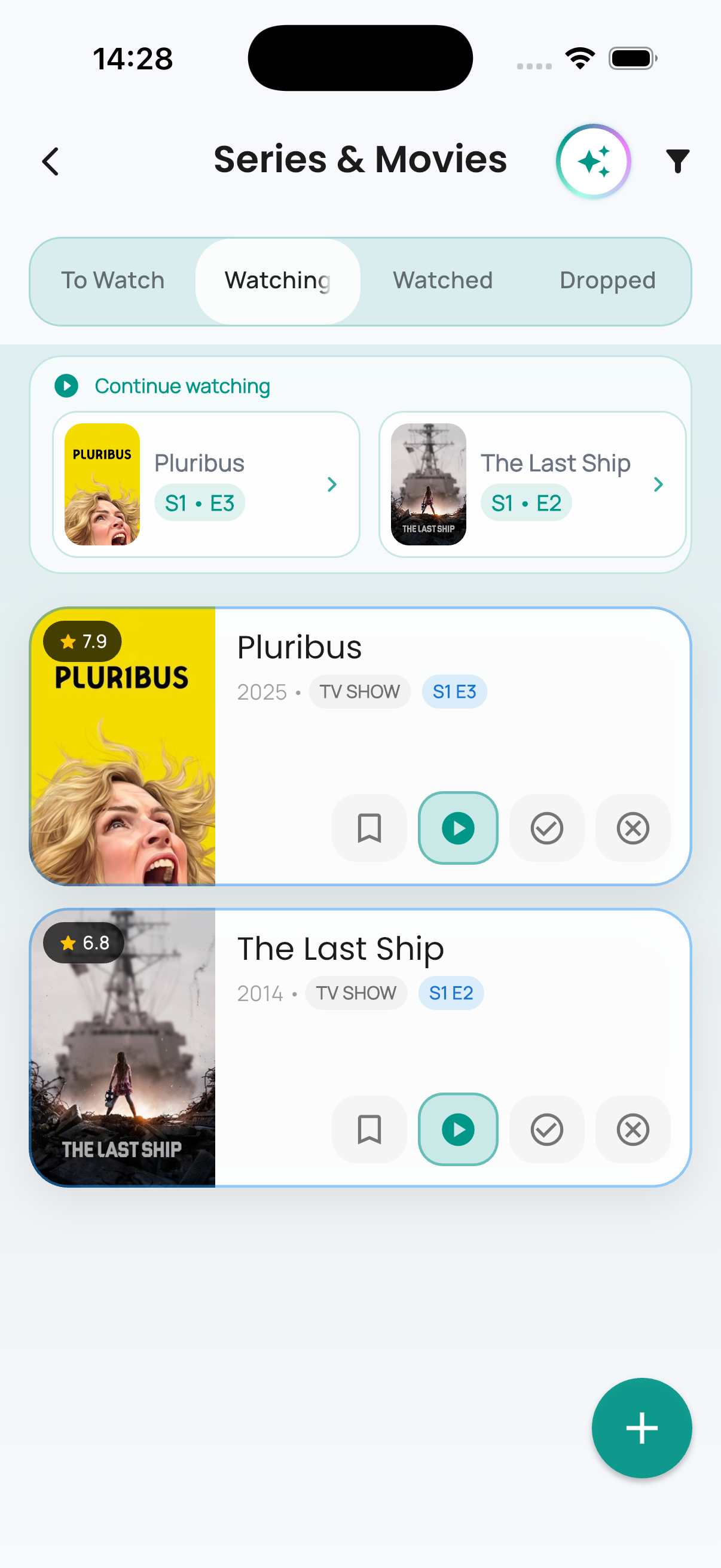
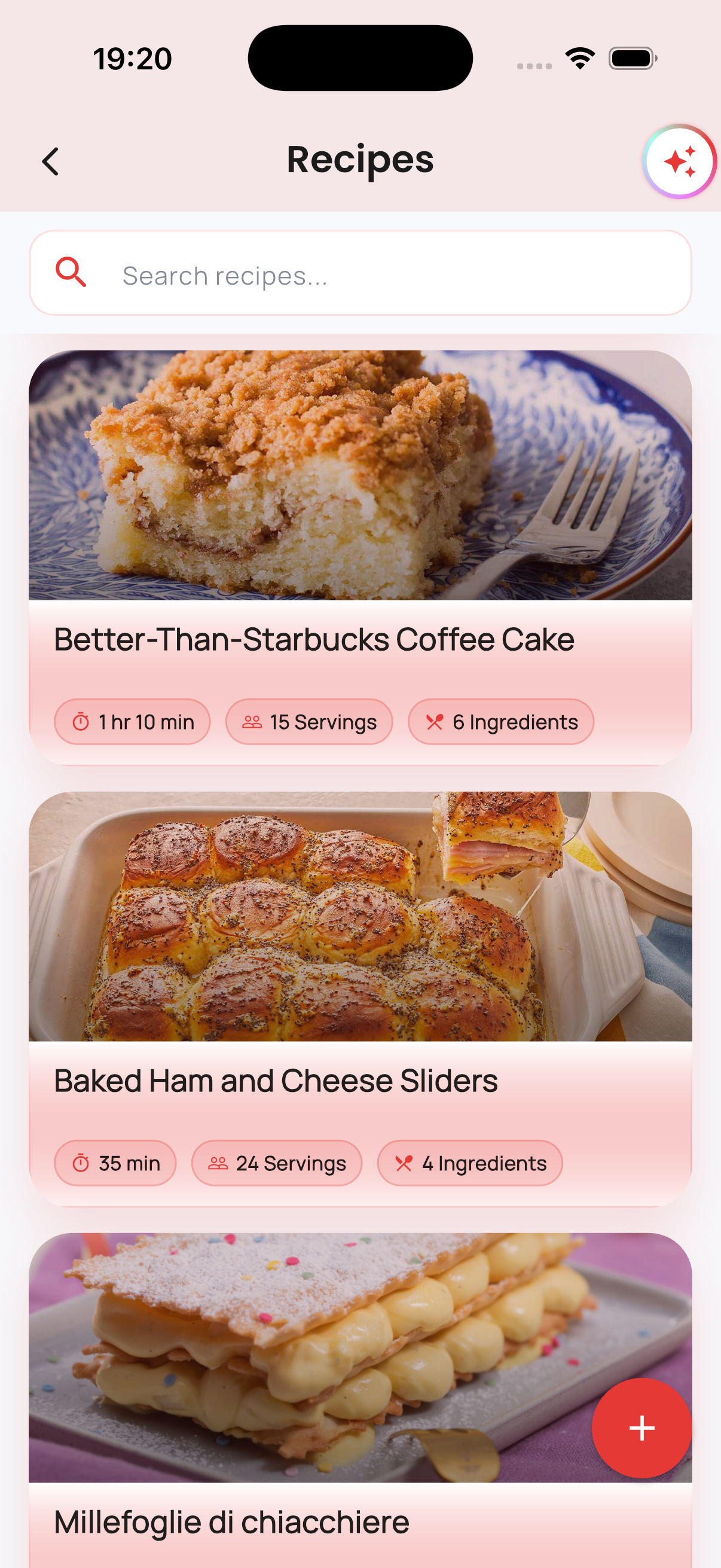
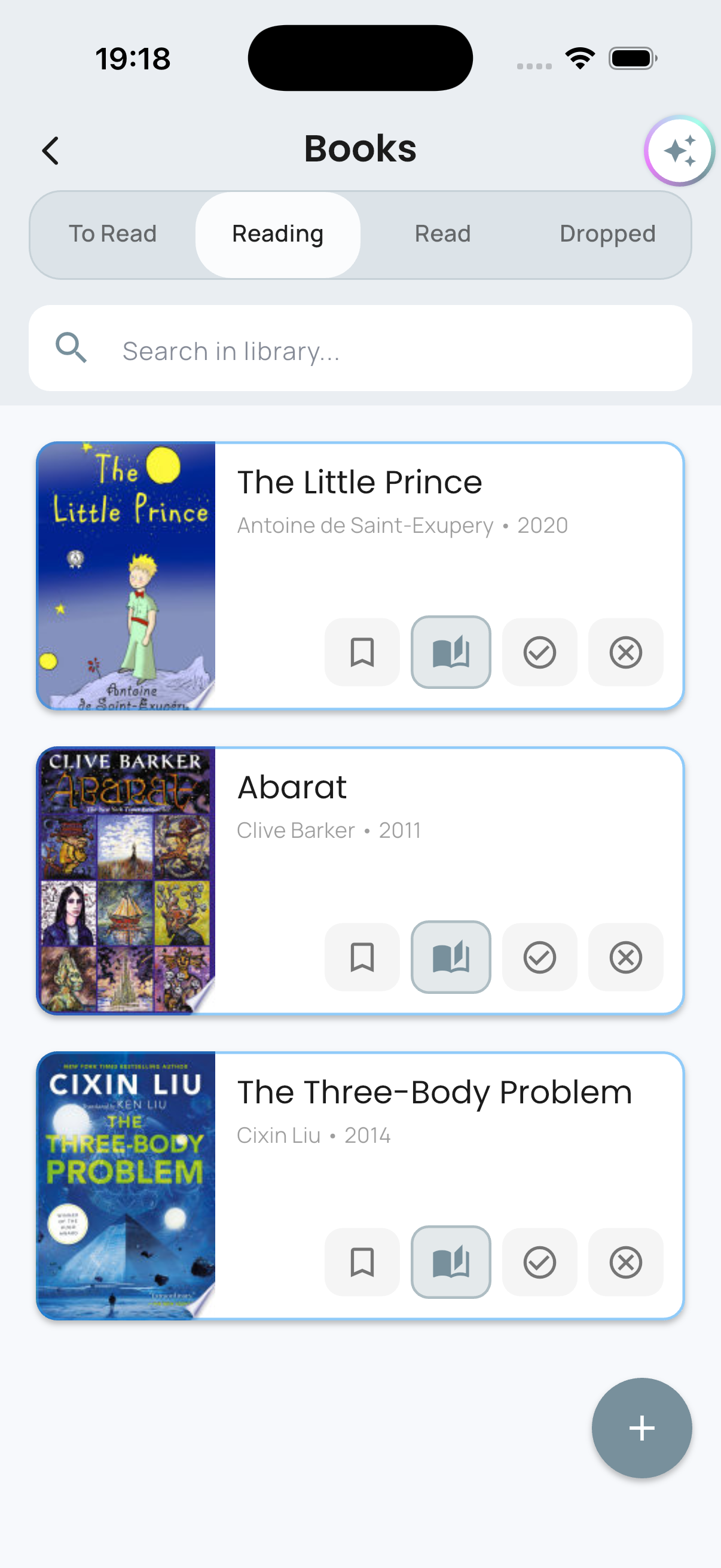
Keep the things you enjoy together close at hand, from saved recipes and watchlists to books you want to remember.
- Movies & Series
- Recipes
- Books
Built-In AI
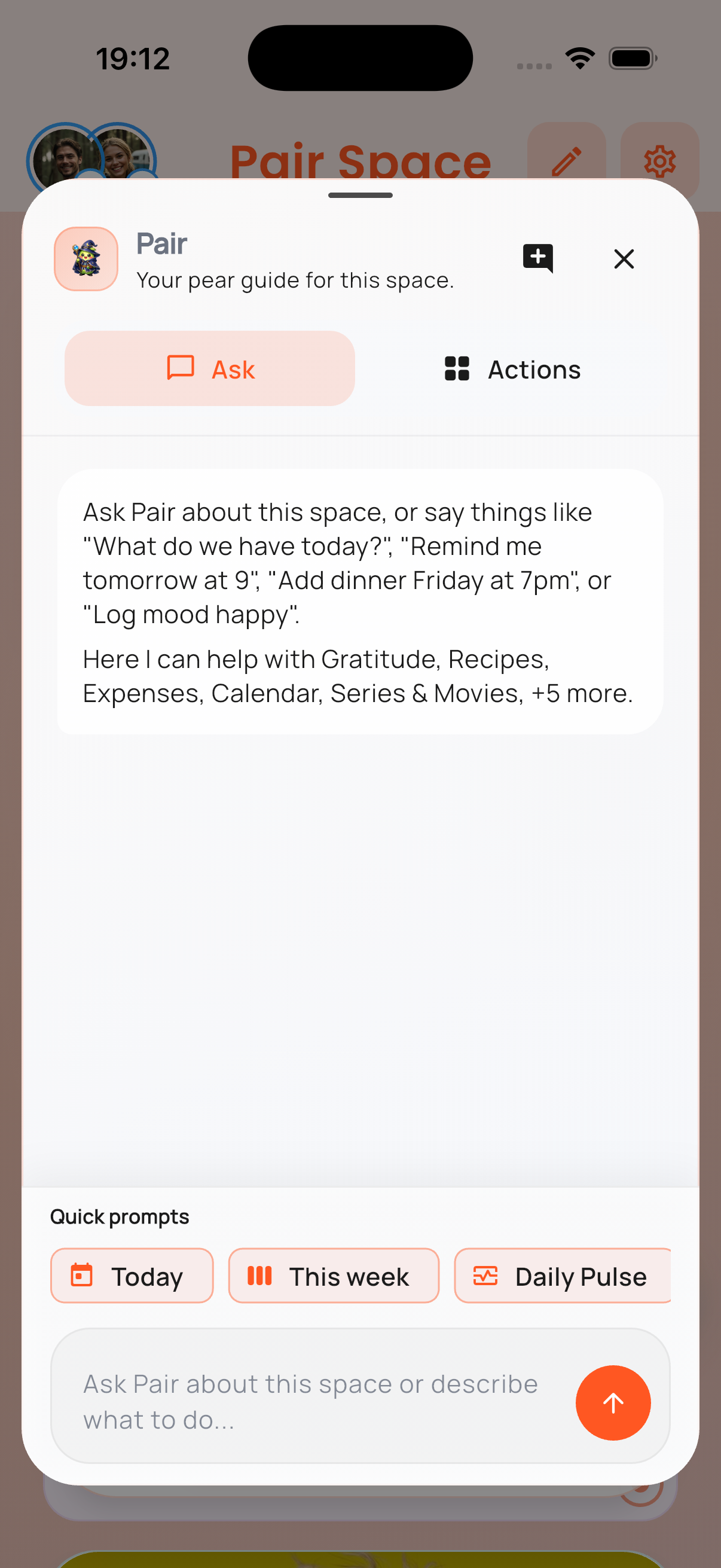
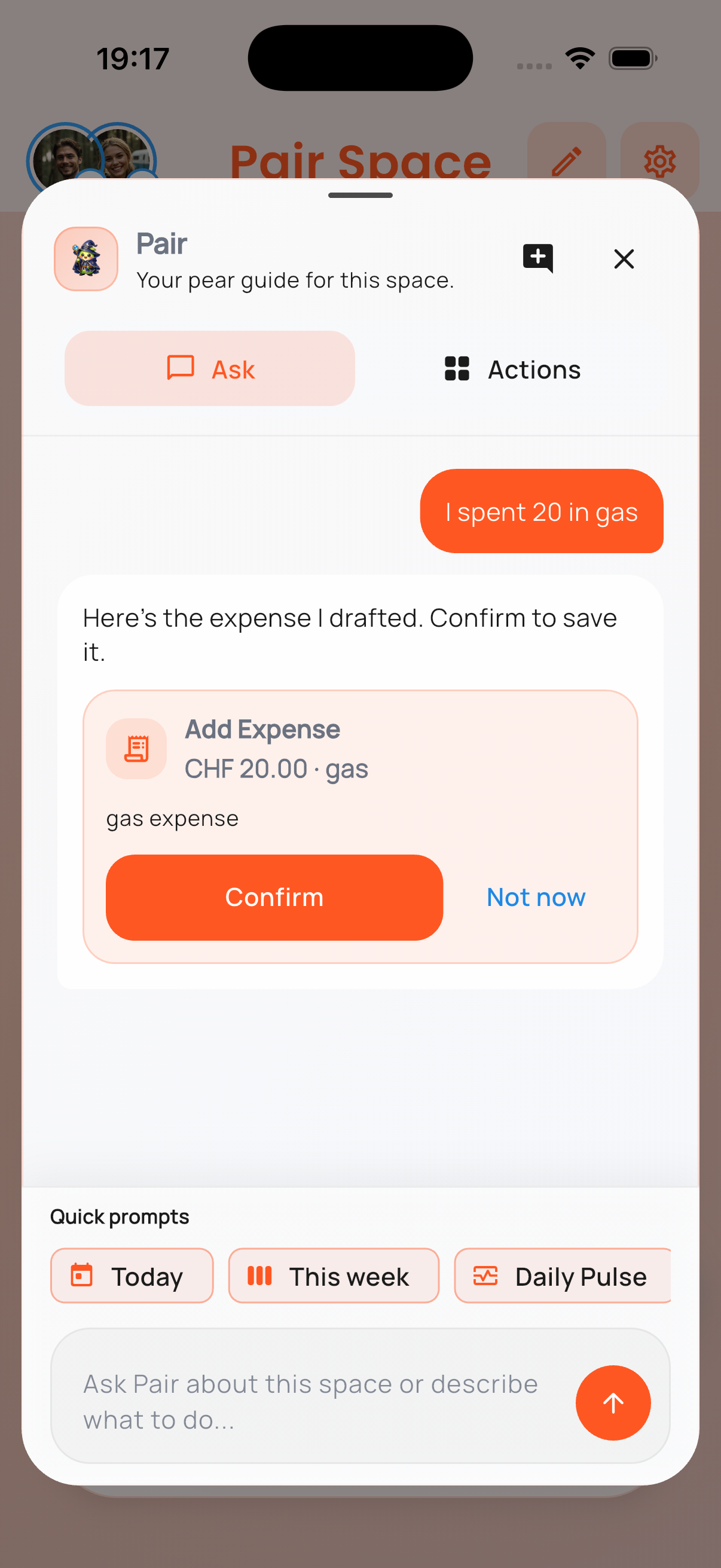
Pair, our AI assistant, is there to help.
Use natural language. One short message becomes a ready-to-review draft inside PairSpace.

Download PairSpace
Available now on iPhone and Android.
Choose your store below. If you want release notes or a guided walkthrough, leave your email as well.
Available Now
Download PairSpace on iPhone
The iPhone version already includes My Space, Pair Space, and the shared module experience shown above.
View on the App Store
Live now for iPhone.
Available Now
Download PairSpace on Android
The Android version is now live on Google Play with the same core My Space and Pair Space experience.
View on Google Play
Live now for Android.
Want product updates or a guided demo? Leave your email.