
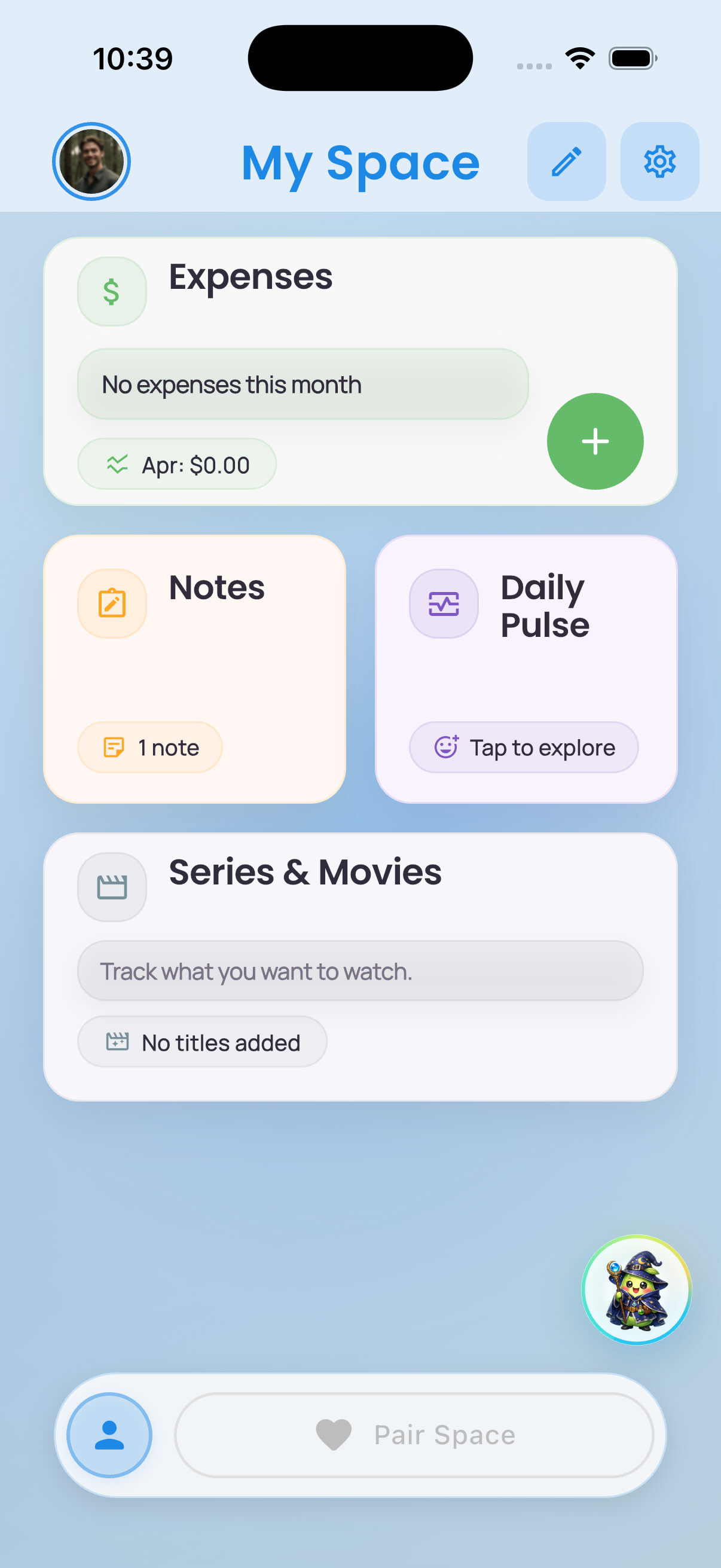
My Space
A personal dashboard for routines, moods, notes, goals, and anything that should stay yours until you want to share it.
A Calmer System For Couple Life
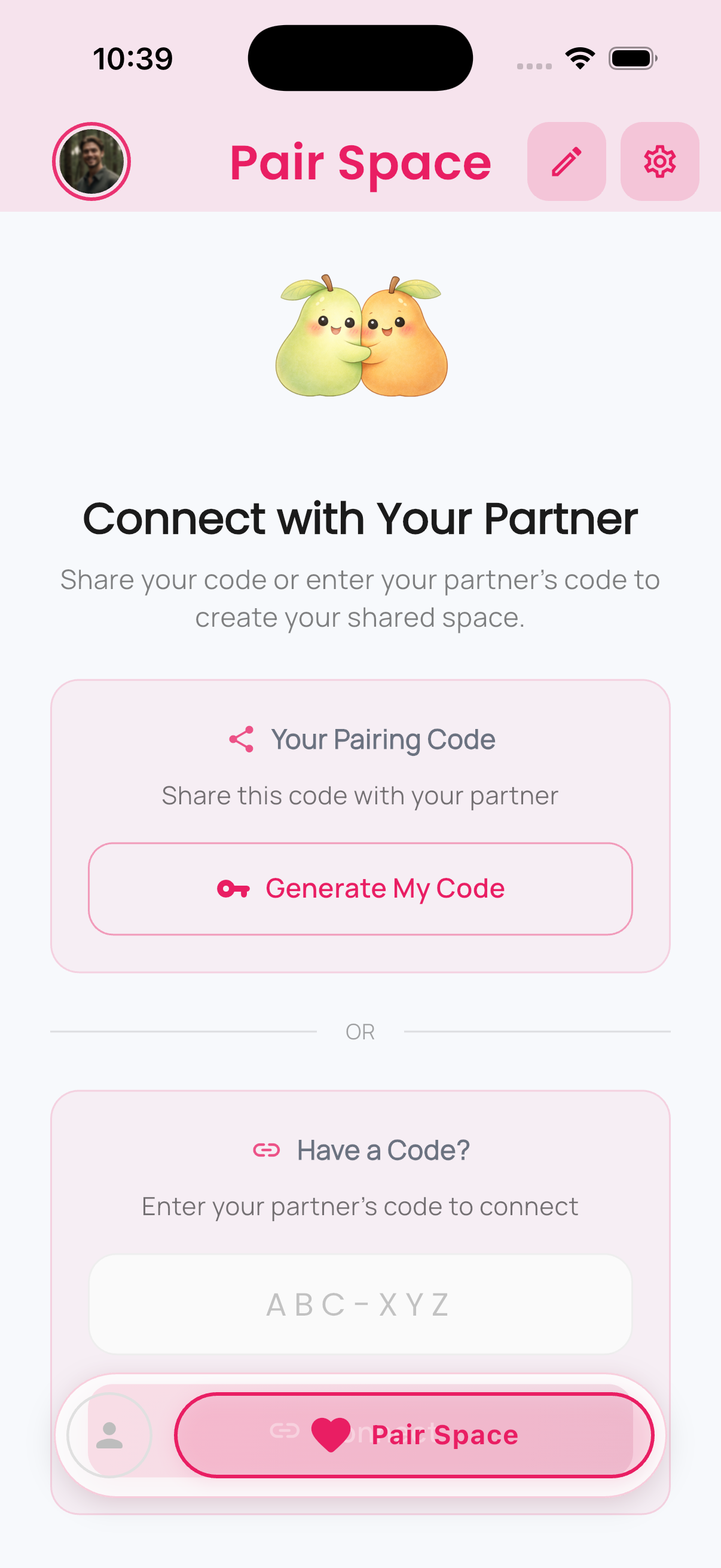
PairSpace gives each partner a private dashboard and the relationship a shared one. Planning, emotions, memories, and day-to-day routines stay in one clear system.
Available now on iPhone and Android.
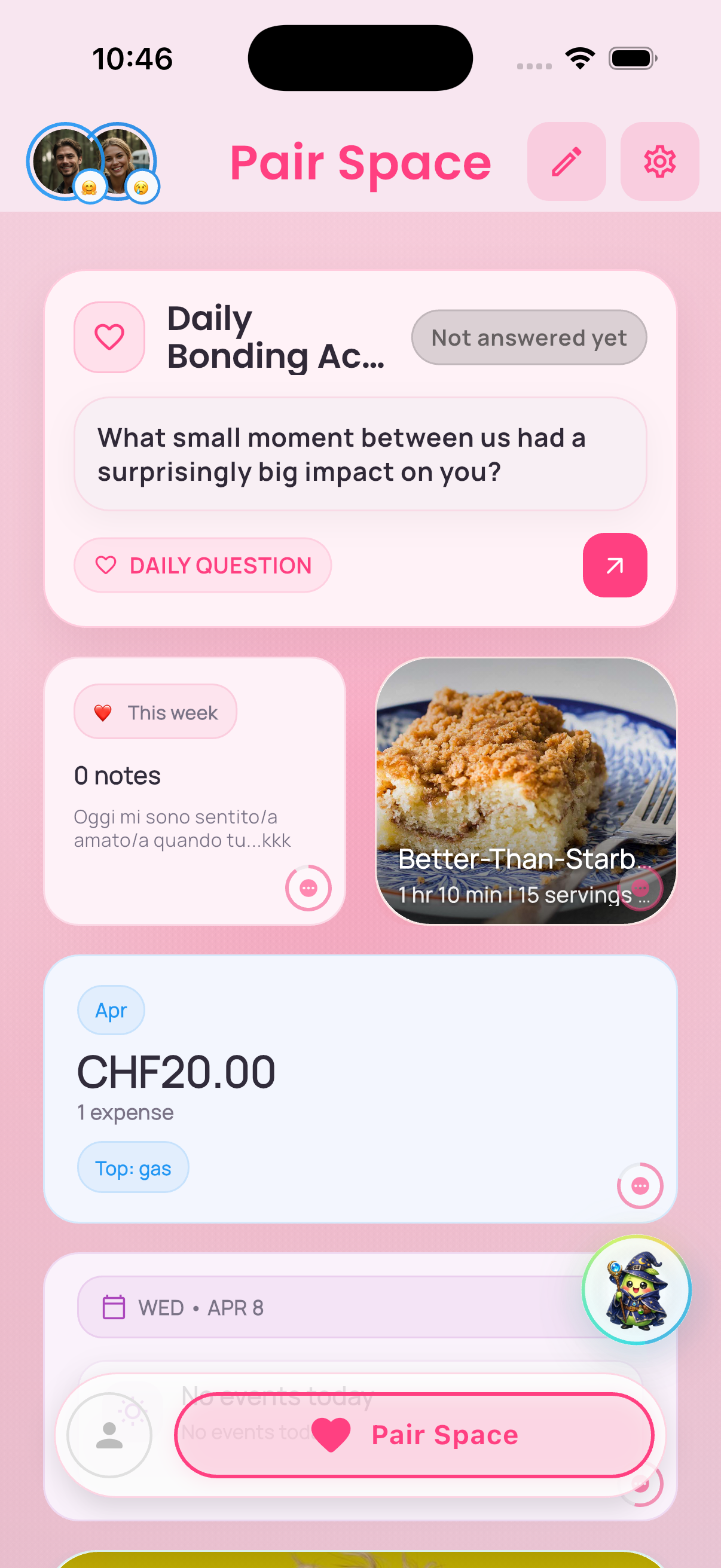
From one person's dashboard to a shared system
The Core Idea
Each partner gets room for their own routines. The relationship gets a shared home for the things that should stay together.
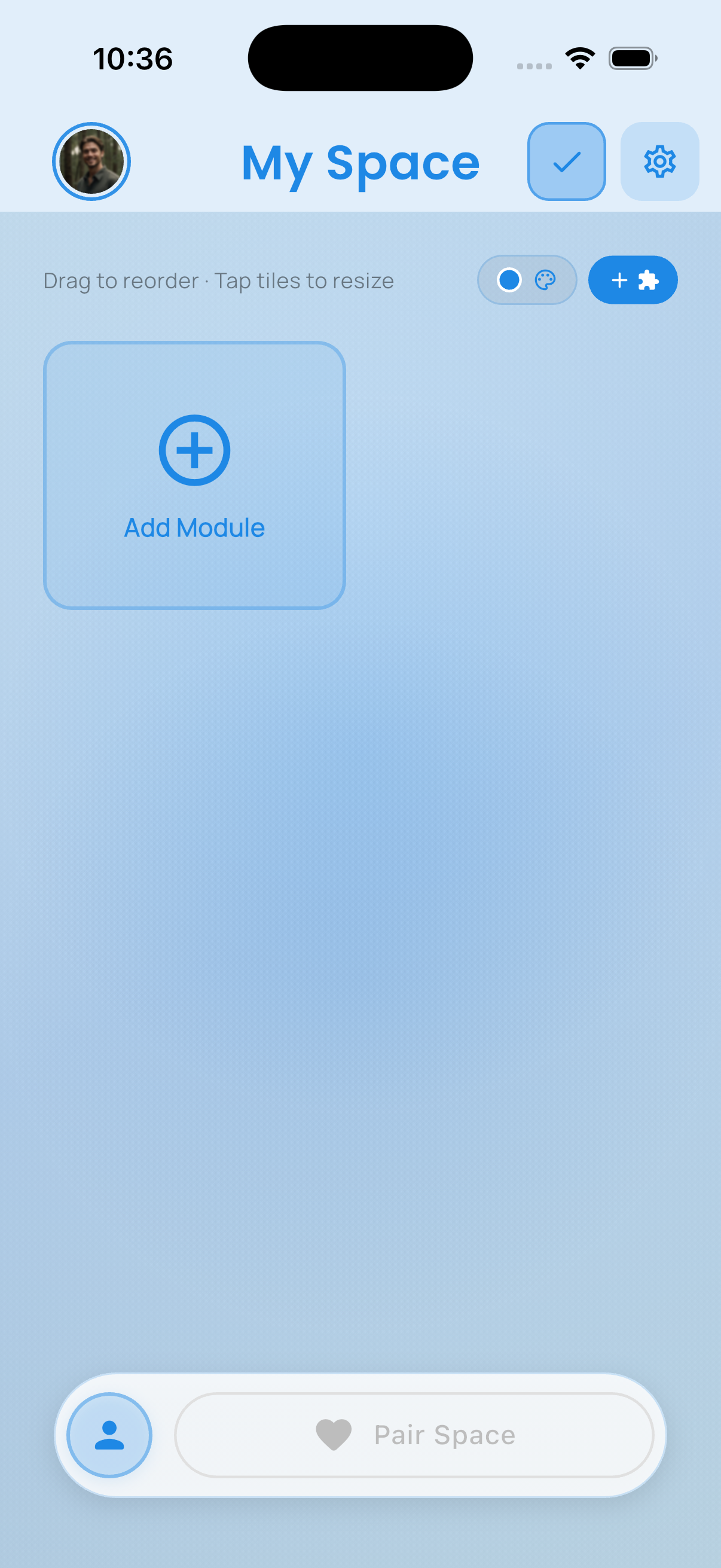
A personal dashboard for routines, moods, notes, goals, and anything that should stay yours until you want to share it.
A shared dashboard for expenses, plans, rituals, memories, and the day-to-day systems you want to manage together.
Why It Feels Different
PairSpace gives couples a clearer home for real life without making the relationship feel like project management.
The Flow
You do not need to understand every feature at once. The product becomes clearer as you move from personal space to shared space.
Phase 1
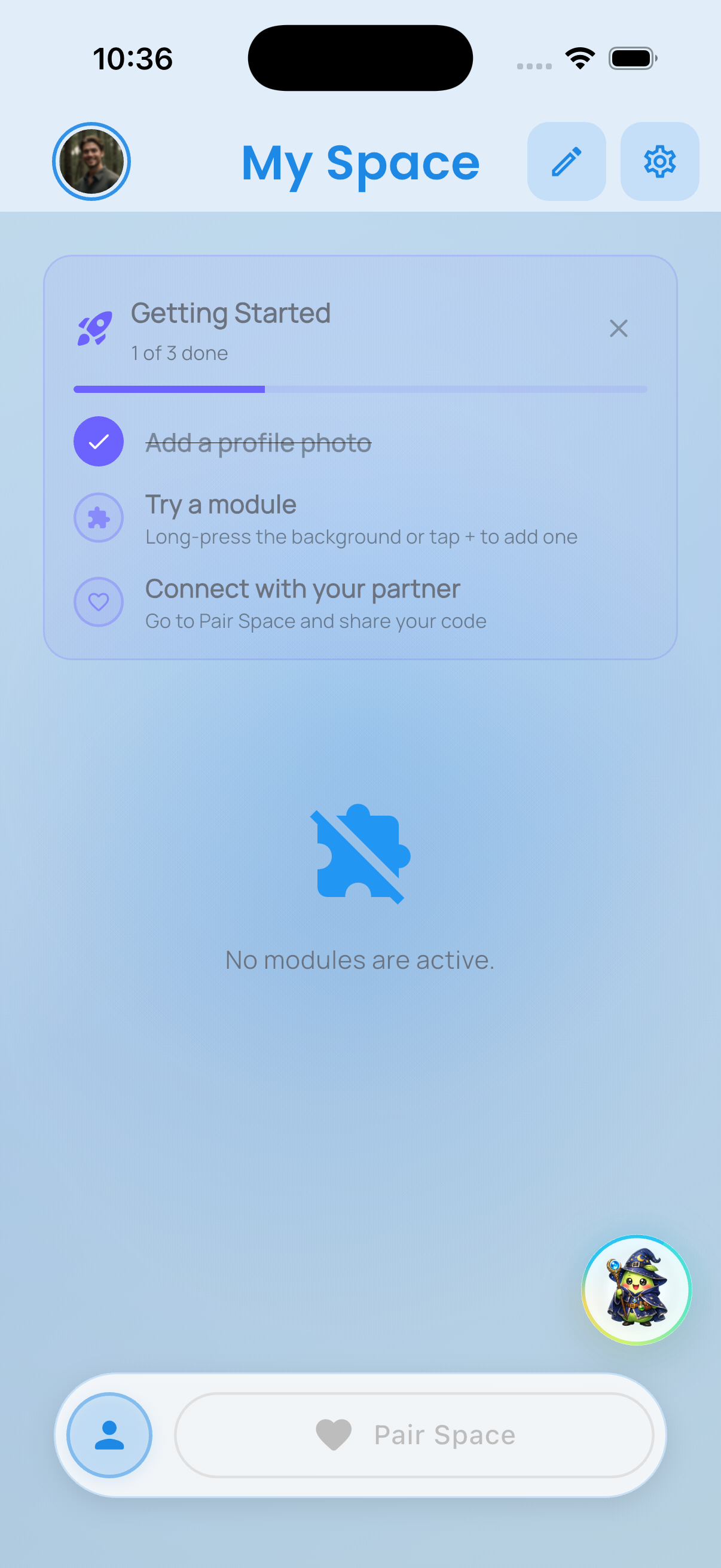
The first interaction feels personal, light, and immediately useful.
Start with an empty dashboard instead of a crowded default.
Choose the first feature that already has a job to do.
Phase 2
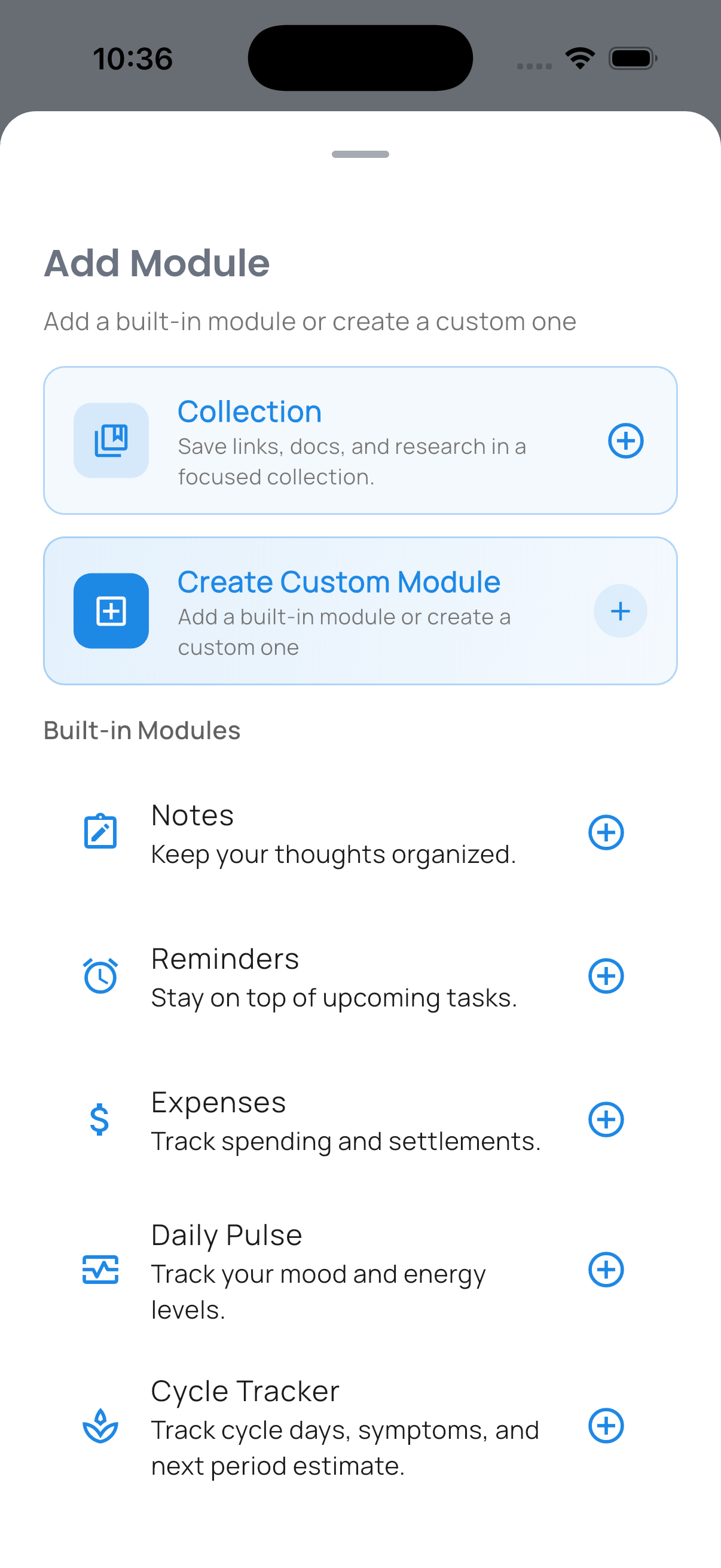
Once the dashboard is useful, you expand and organize it instead of accepting a fixed template.
Pick from planning, money, moods, memories, and more.
Resize, reorder, and keep only what belongs in the space.
Phase 3
When both people are ready, Pair Space becomes the shared home for the practical and personal parts of the relationship.
Link both people when it is time to open the shared layer.
Bring planning, rituals, memories, and routines into one home.
What Lives Inside
The experience stays readable because the modules fall into clear, familiar categories.
Practical
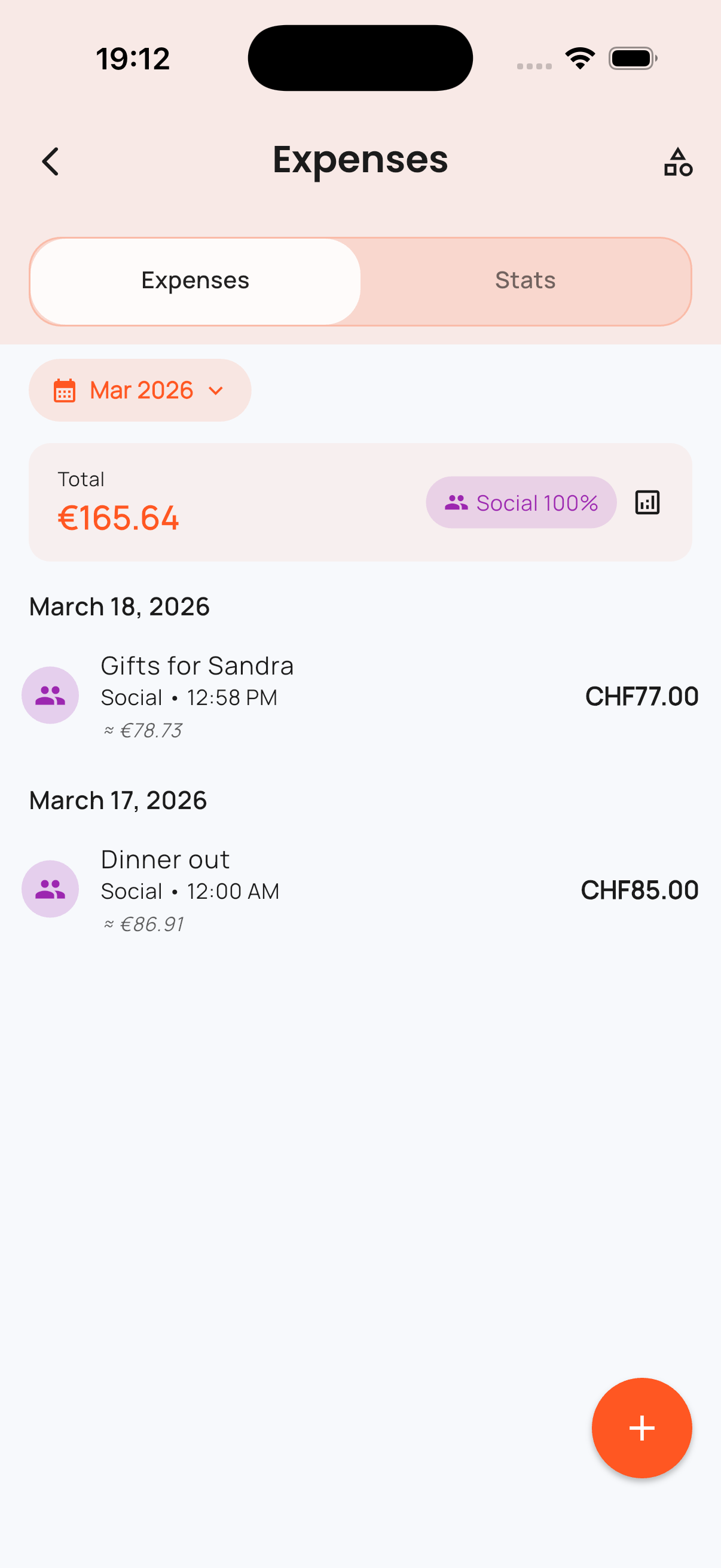
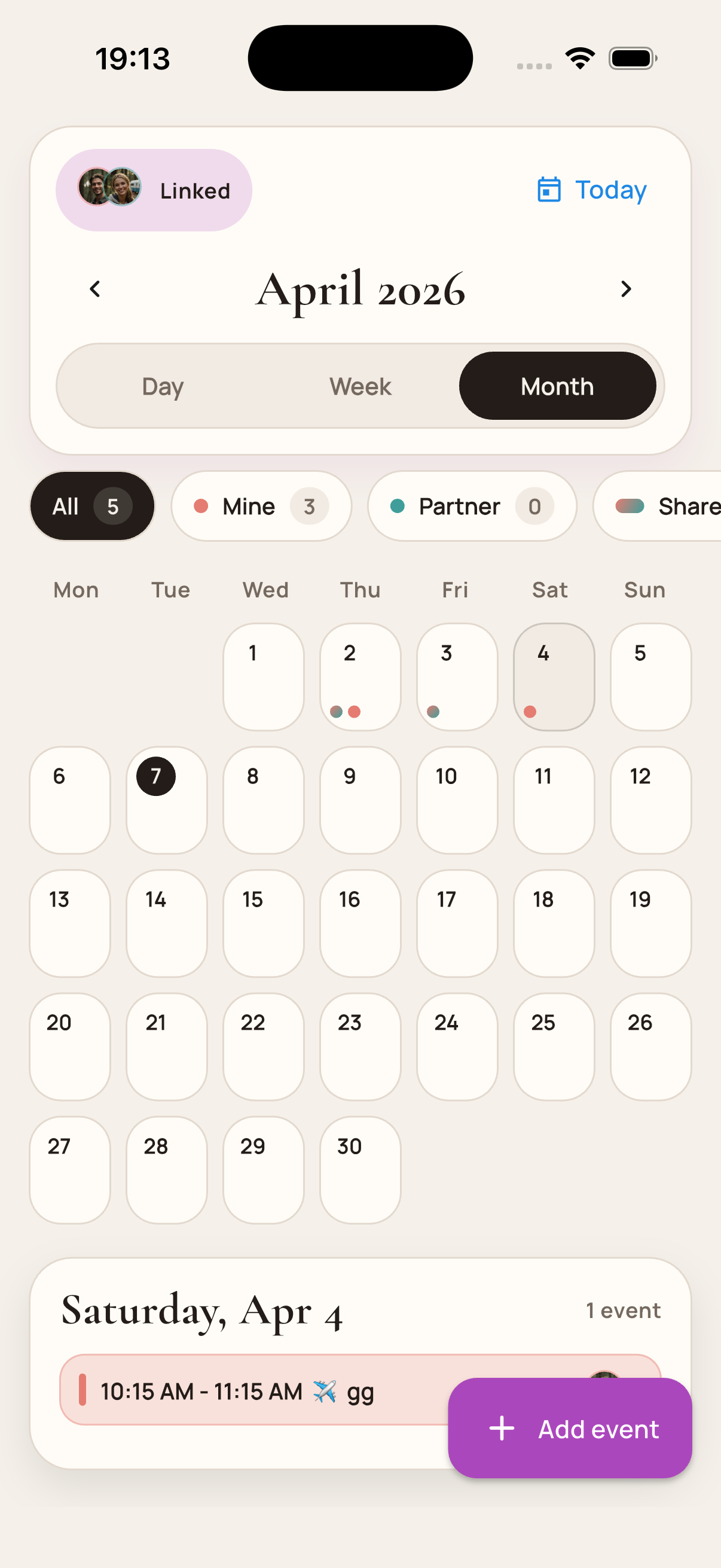
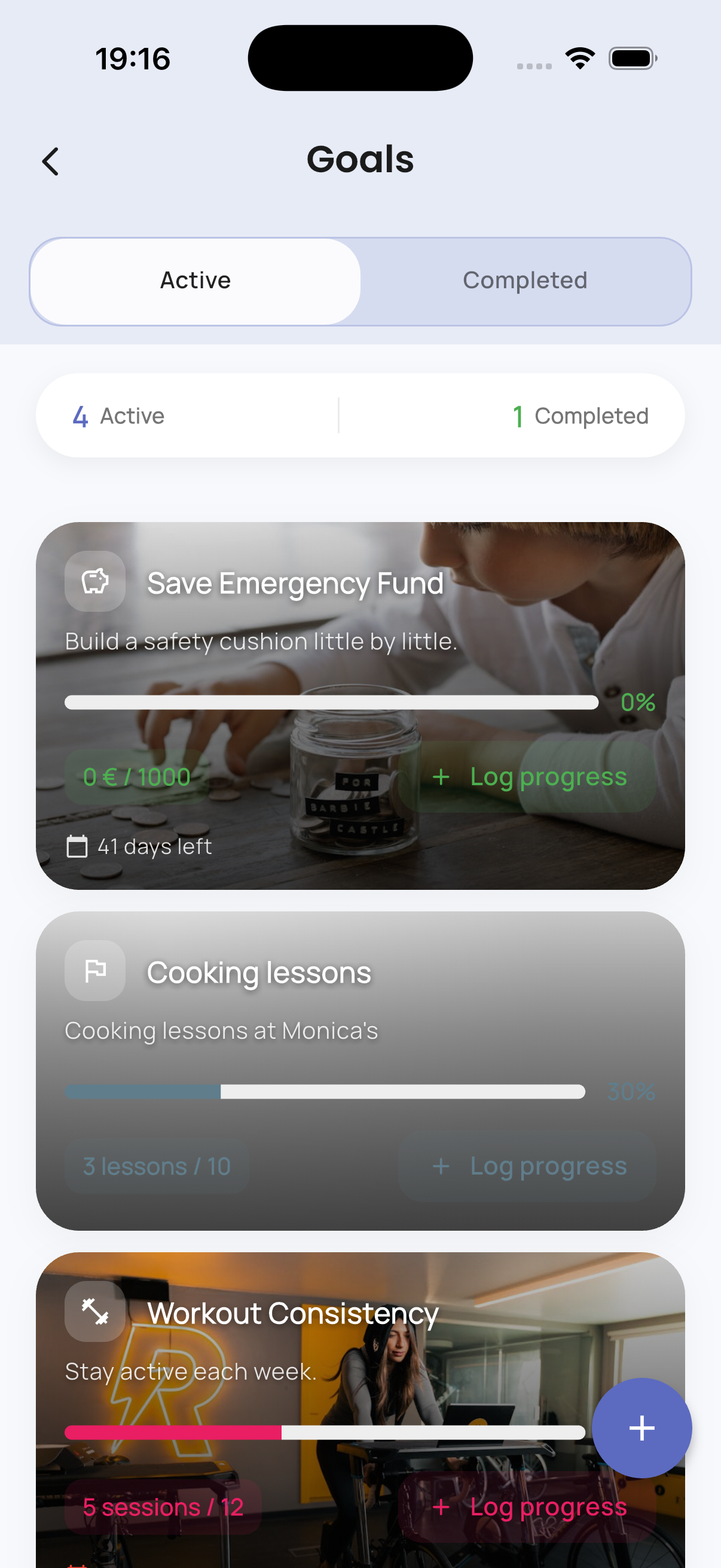
Track shared expenses, see upcoming plans, and keep goals visible without bouncing between three different tools.
Connection
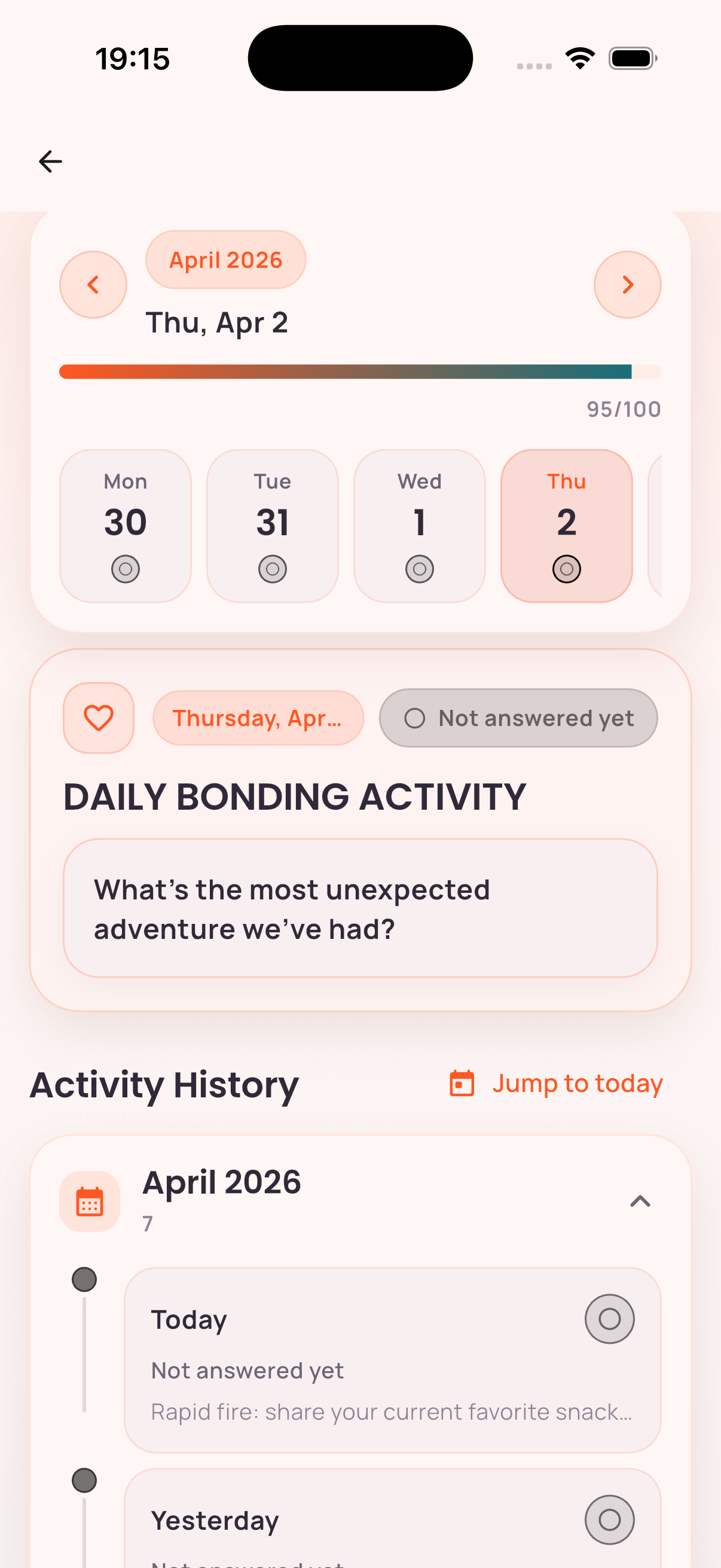
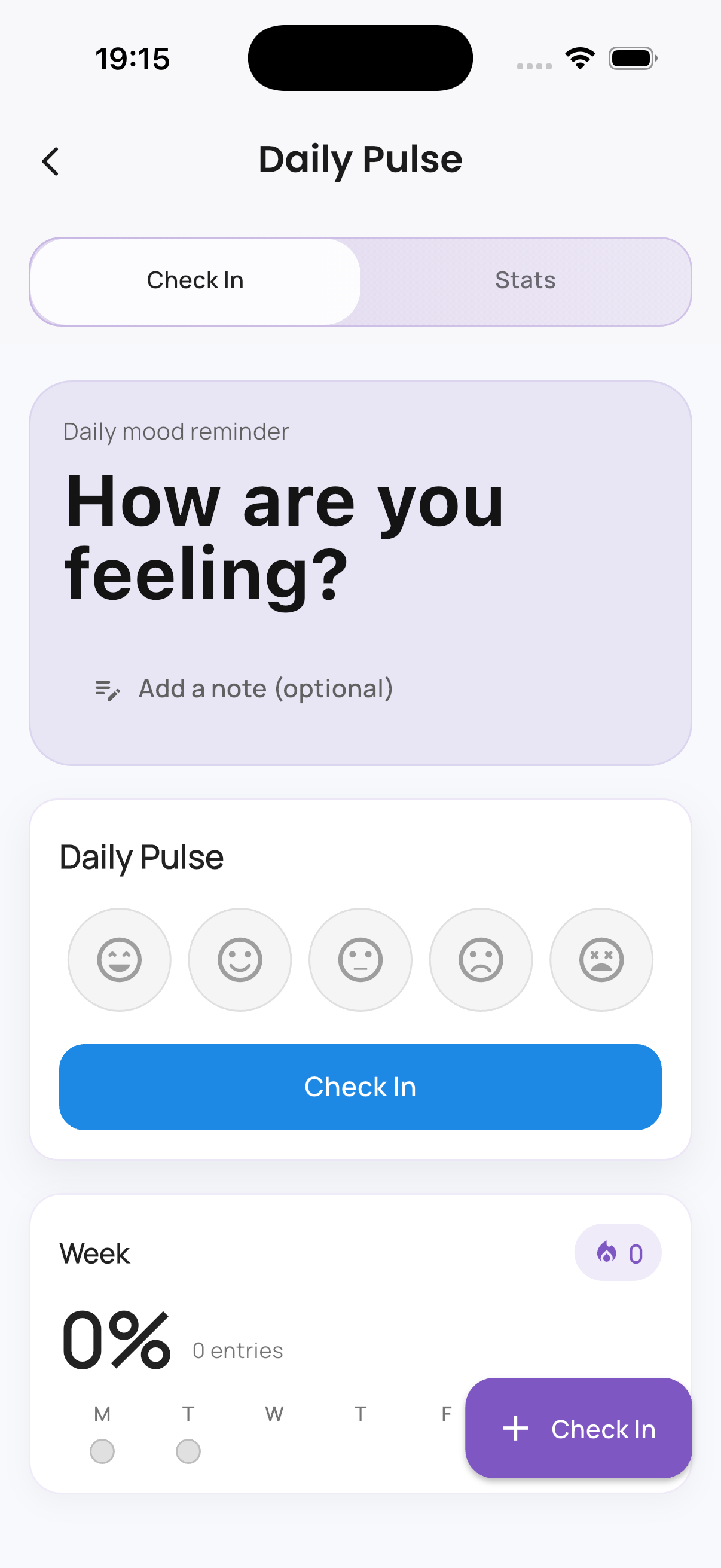
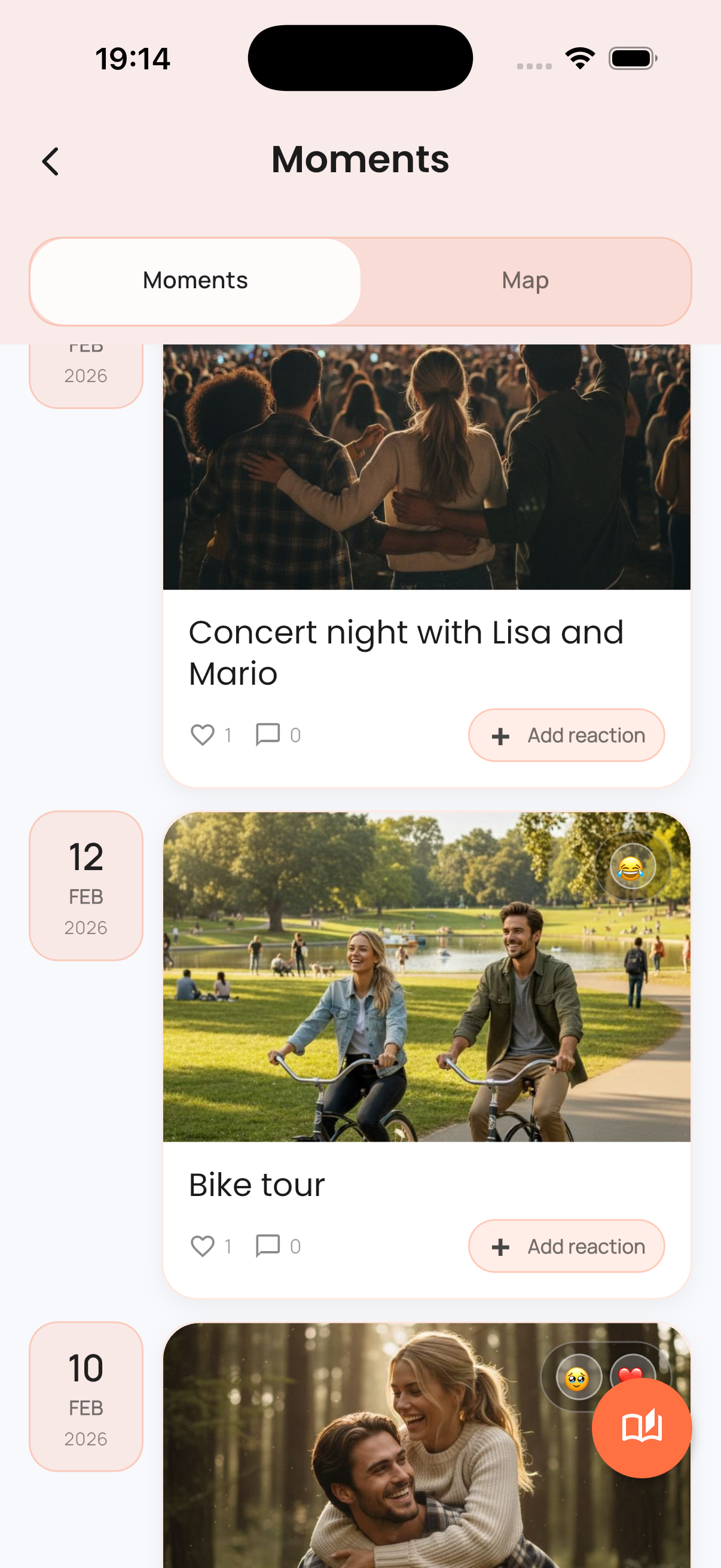
Make room for check-ins, moods, and memories so connection is supported by the same system as planning.
Rituals
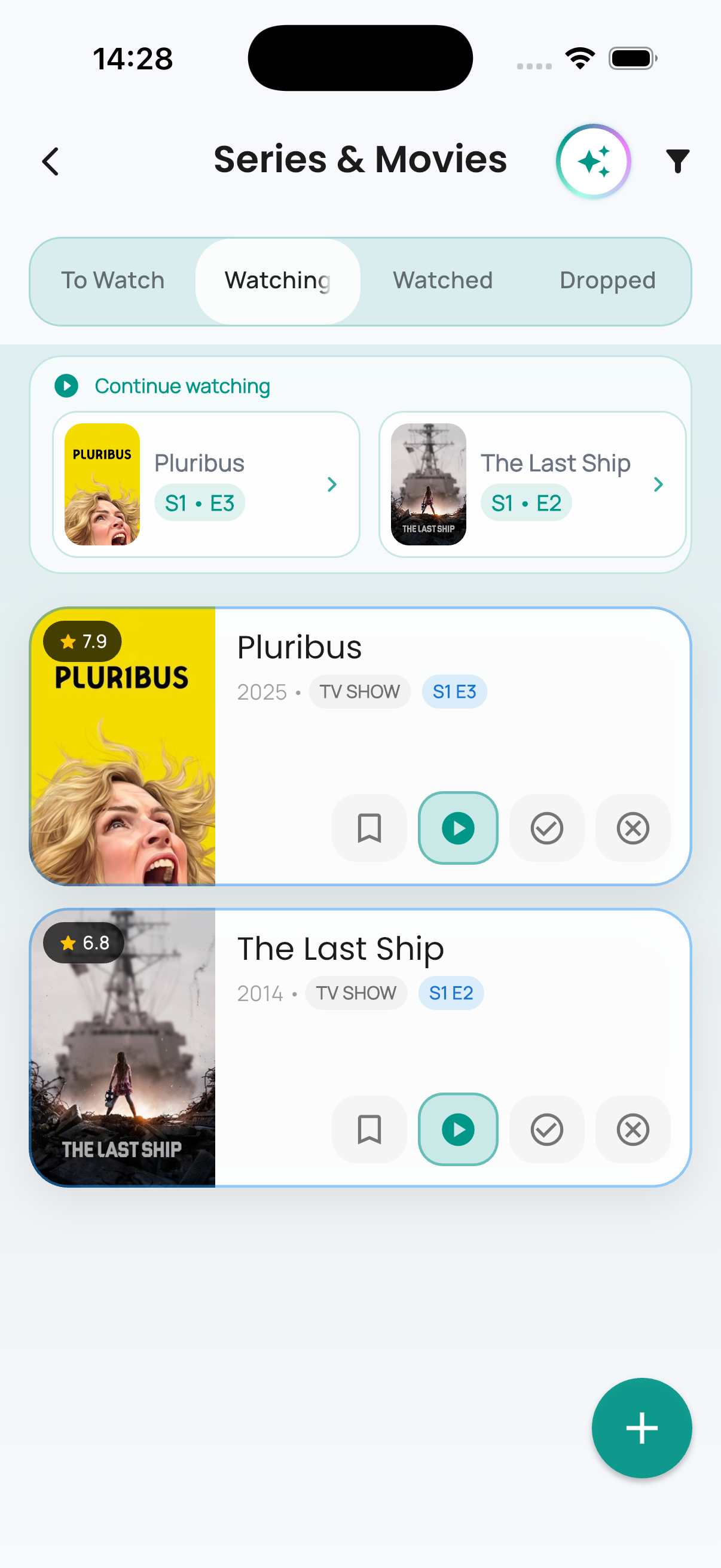
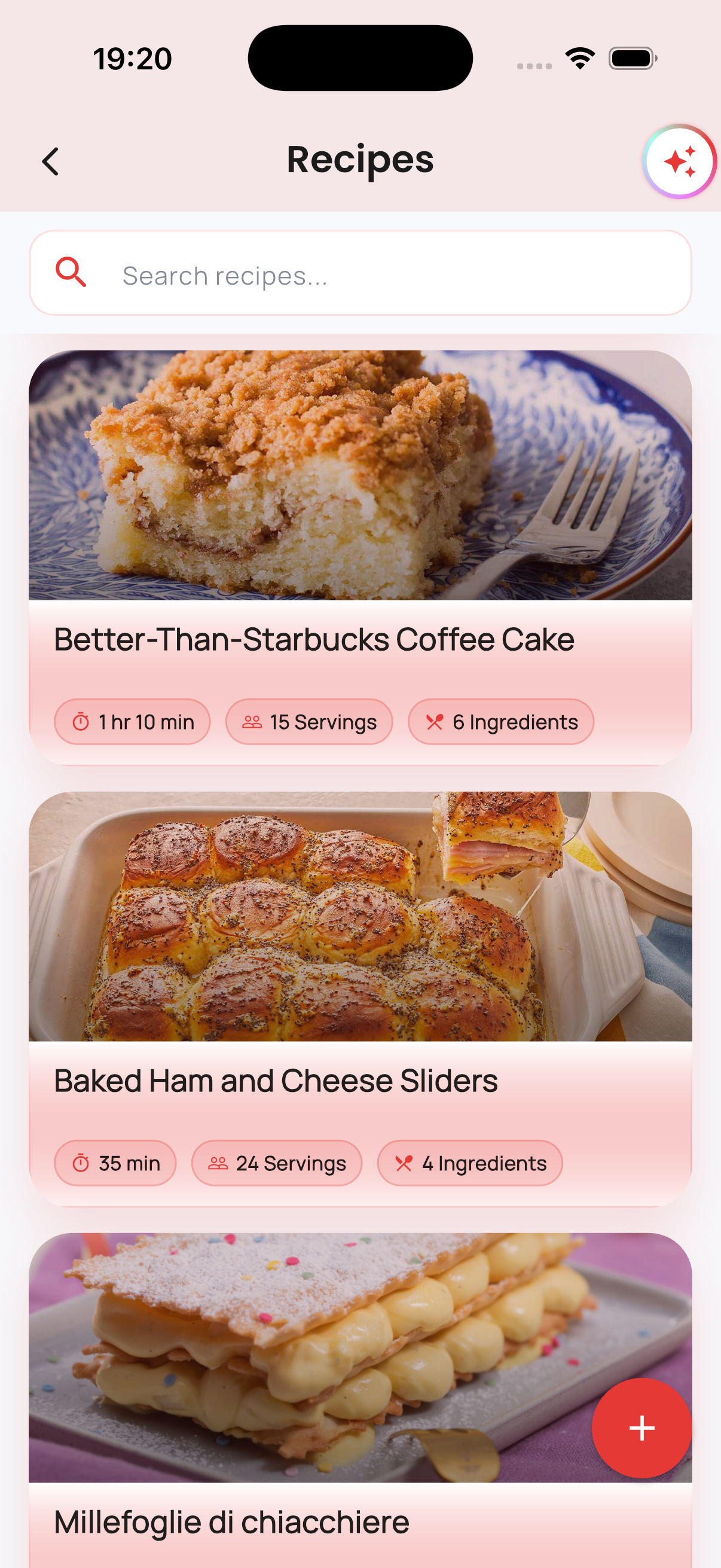
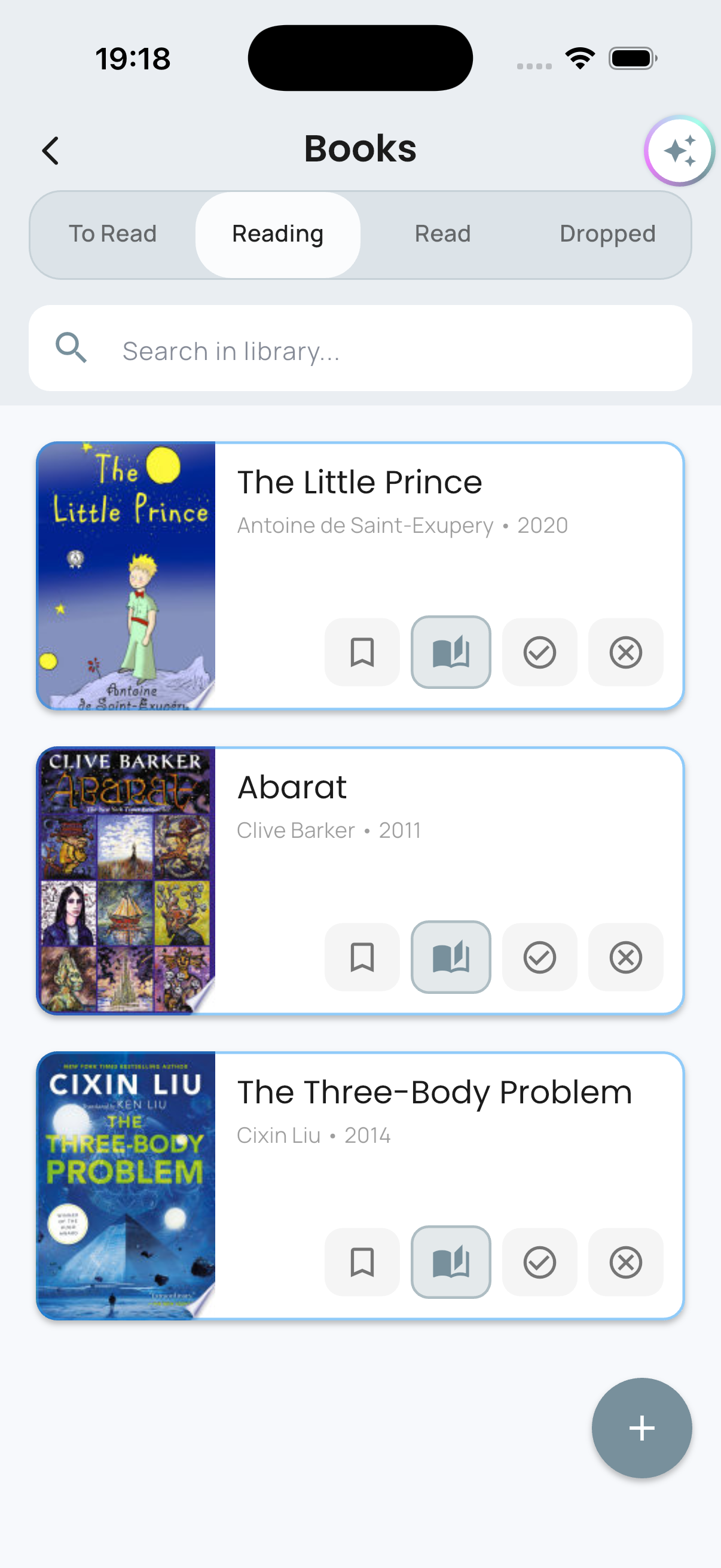
Keep the things you enjoy together close at hand, from saved recipes and watchlists to books you want to remember.
Built-In AI
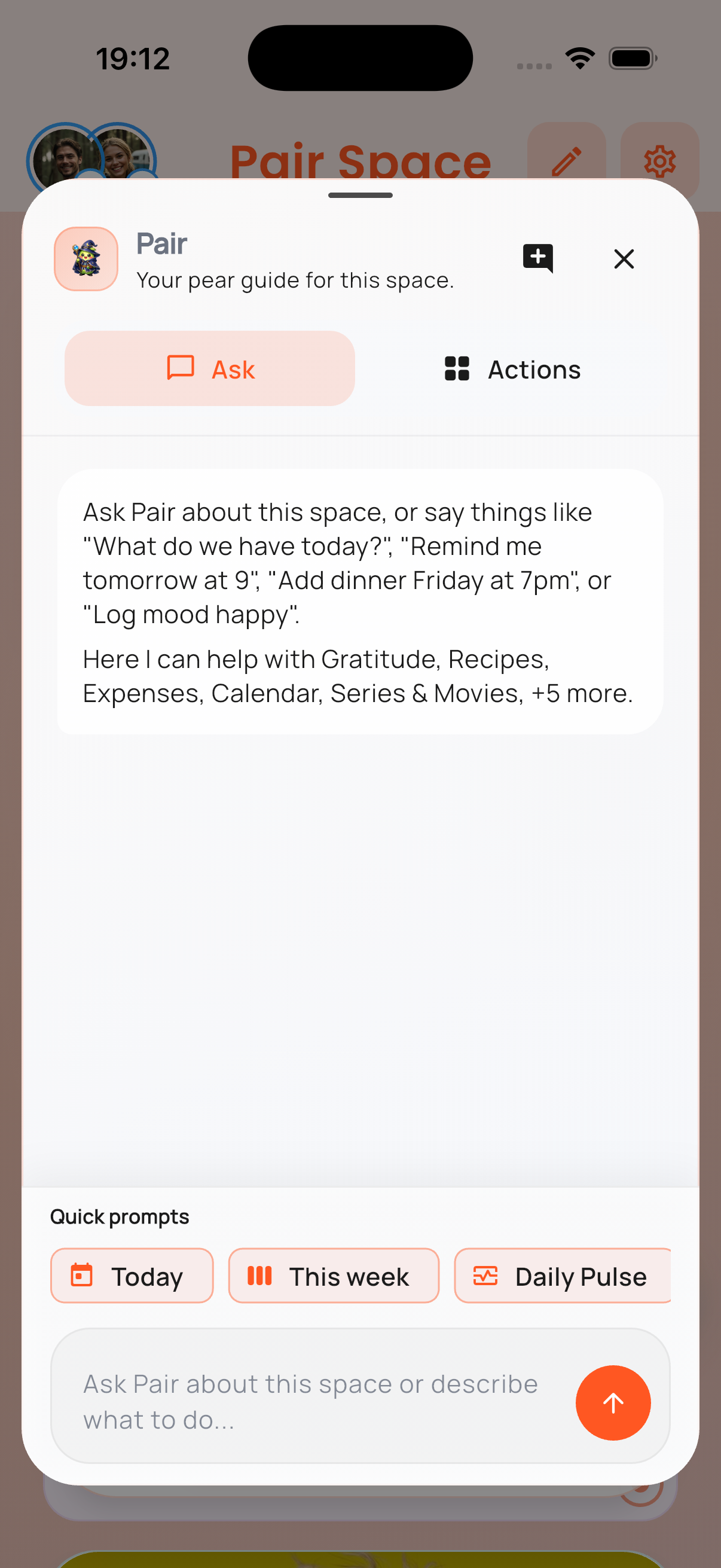
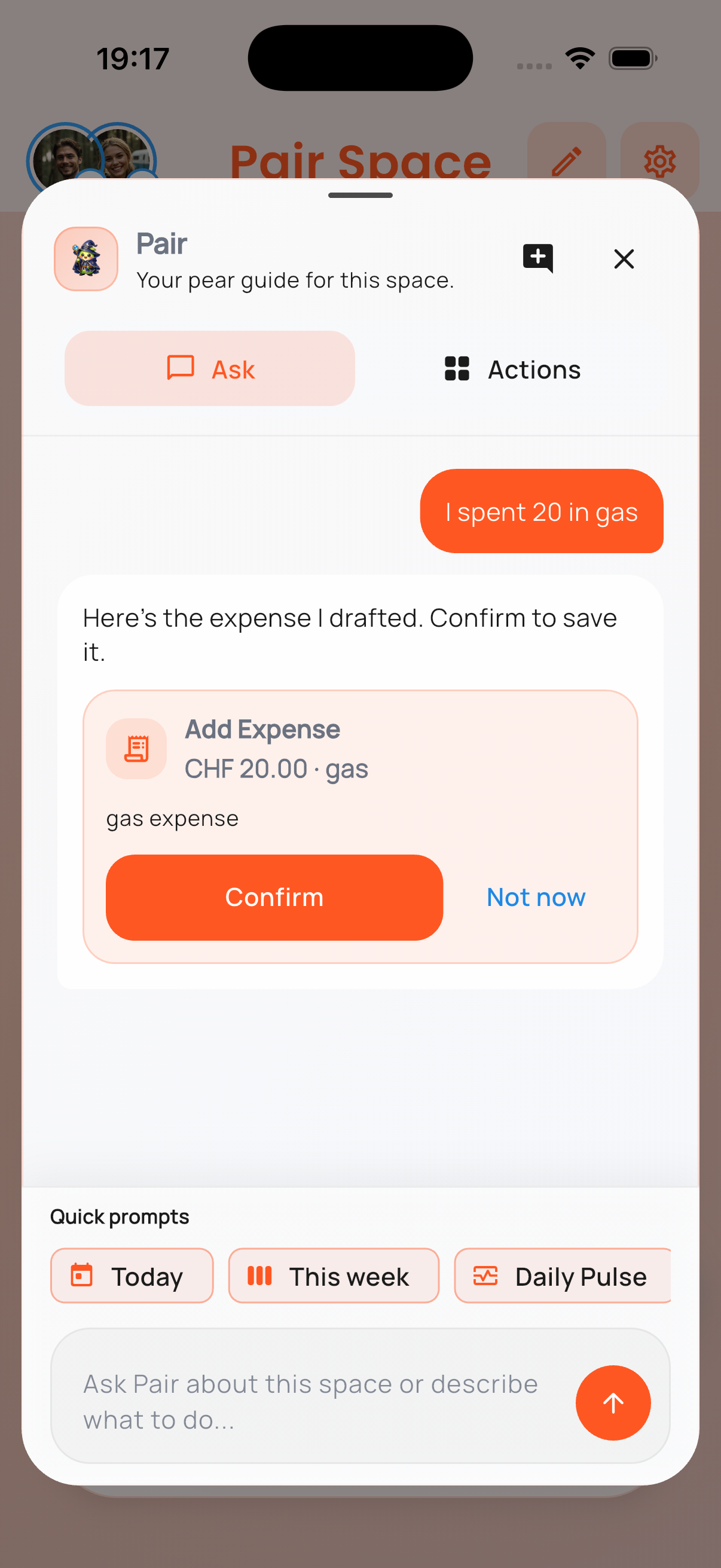
Use natural language for fast actions without turning the app into a chatbot. One short message becomes a ready-to-review draft inside PairSpace.
Less tapping. Less switching. More continuity.

Download PairSpace
Choose your store below. If you want release notes or a guided walkthrough, leave your email as well.
Available Now
The iPhone version already includes My Space, Pair Space, and the shared module experience shown above.
Live now for iPhone.
Available Now
The Android version is now live on Google Play with the same core My Space and Pair Space experience.
Live now for Android.
Want product updates or a guided demo? Leave your email.